
Websites
Fast, well-designed sites built to be found on Google and in AI answers, and to get visitors to take action.
Discuss your websiteWebsites, web apps and automations that work together. One partner instead of three, accountable after launch.
Already have developers and a product? For tech teams

We start from scratch or build on what you have. Always on a modern AI stack: code you own, editable with AI.
Fast, well-designed sites built to be found on Google and in AI answers, and to get visitors to take action.
Discuss your website
Client portals and internal tools in a single codebase you own, built around how your business works.
Discuss your web app
Take repetitive work off your team and connect your tools, with fixed workflows or AI agents where they help.
Discuss an automation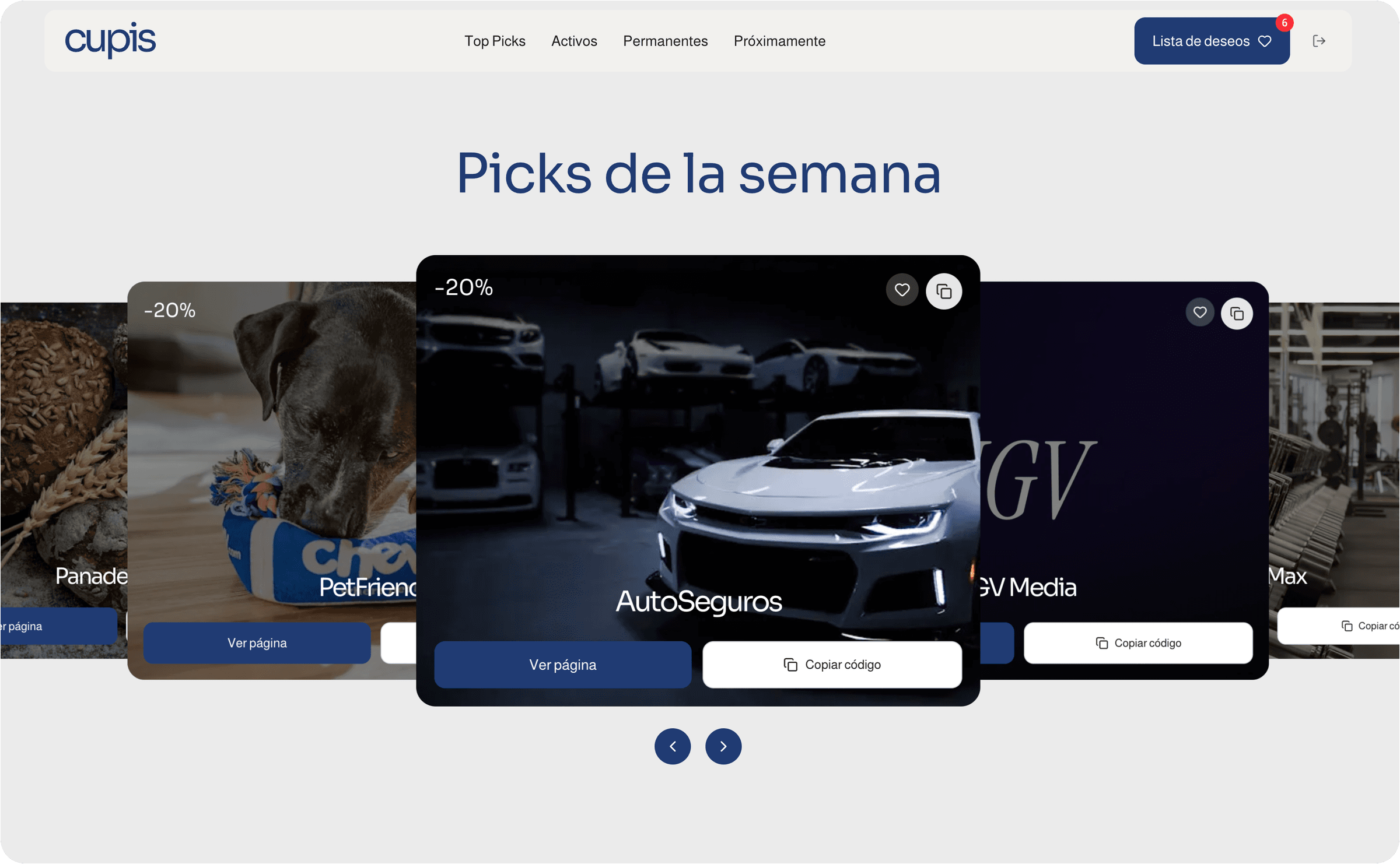
SaaS
Private offers platform linking companies, employees and brands in Spain.
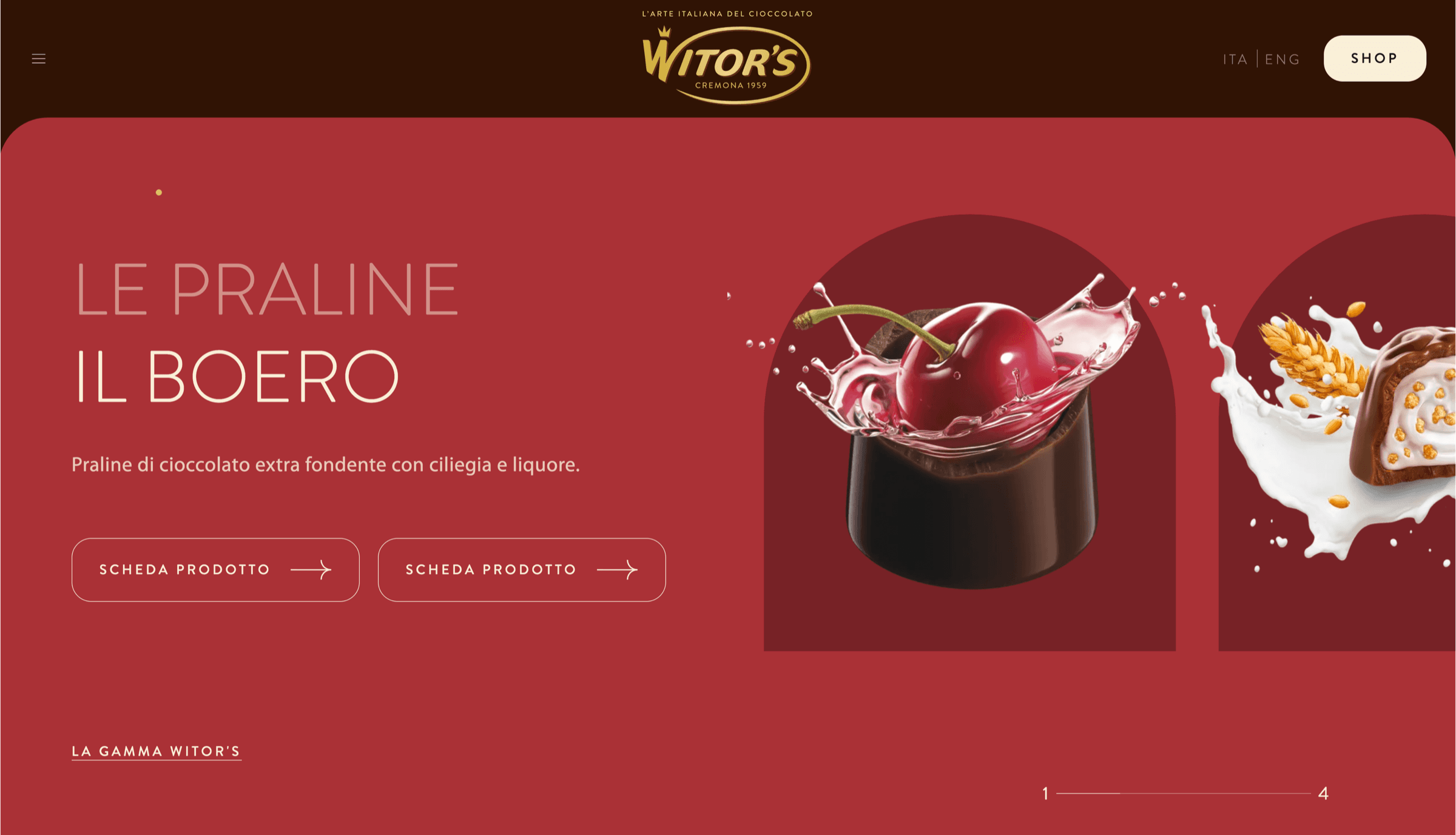
Marketing Site
Multilingual site for a chocolate brand in 80+ countries, built with Caffeina.
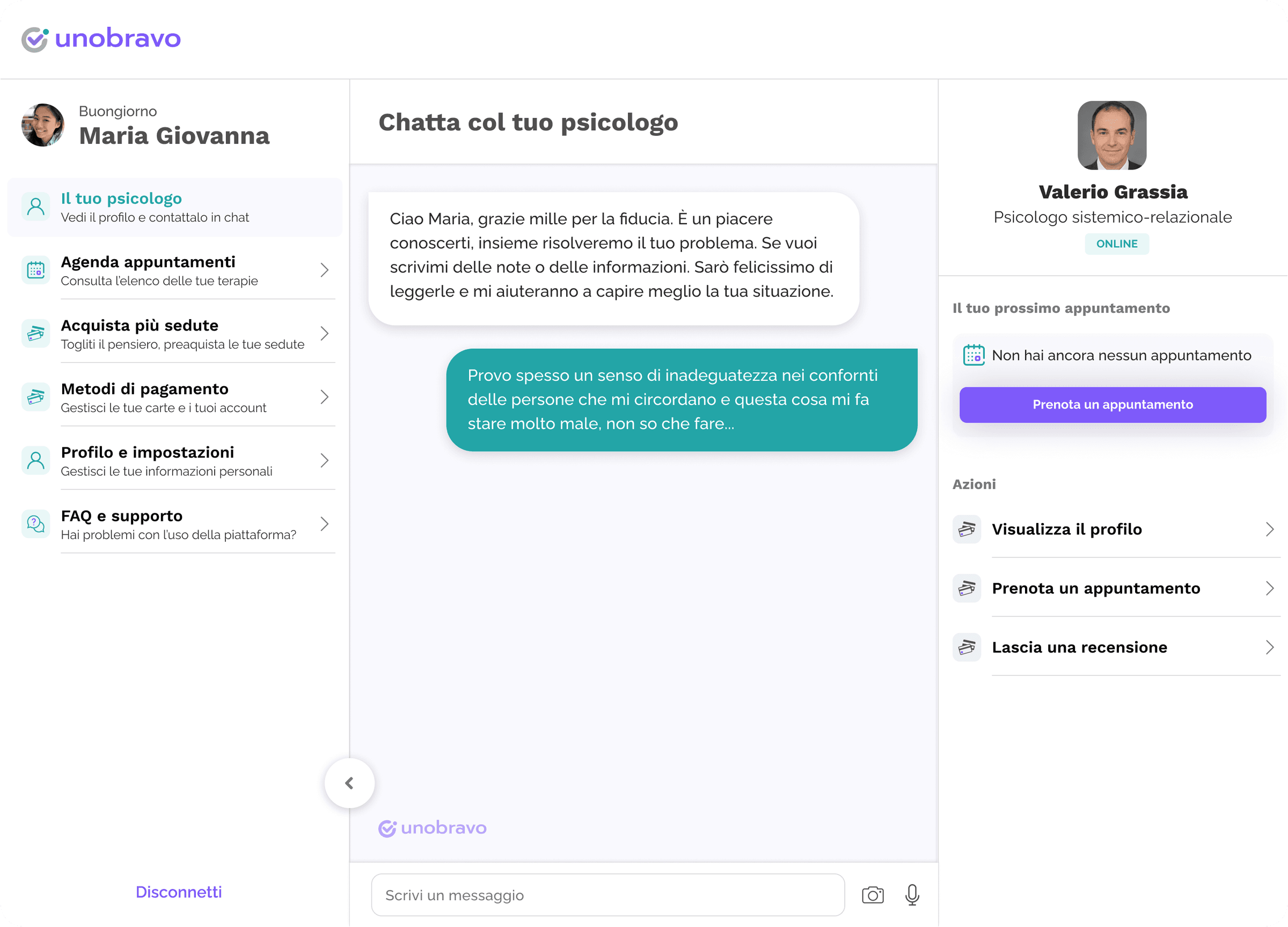
Matching Platform
From an Excel-based operation to the company's first digital product.
E-Learning platform
v2 of an online academy with 3,000+ students.
I've been building for the web for over 10 years, for startups, online academies and growing companies. That's where my judgment comes from: knowing what to build, which tools fit together and what holds up with real customers. 19 people recommend my work on LinkedIn.

"Within 1-2 calls we knew Nicola was the CTO our company needed. He doesn't just deliver, he actively challenges our briefings and makes the platform better than initially planned."
"Within 1-2 calls we knew Nicola was the CTO our company needed. He doesn't just deliver, he actively challenges our briefings and makes the platform better than initially planned."
You see working software before you get a quote.
We talk about what you need and I see whether I can help.
A first version on a preview link, then a fixed price based on the prototype.
your-project.vercel.app
Once you accept the quote, I start building. You follow progress until launch.
I stay responsible, with single requests or a monthly subscription.
You know the cost before we start. After launch, we keep growing the product.
A new website, web app or automation, or a migration from Webflow, WordPress or no-code.
Price
Quoted on the prototype
Includes
The project doesn't end at launch. I keep looking after what I built, as much as you need.
Price
Based on your changes
Includes
Already have a product and a dev team? See how I work with tech teams
It's included in the quote. If after the first call I see I can help you, I build a working first version before sending you the price.
So you see my solution before you decide.
After the 30 days of bug fixes, when you need a change you send it to me as a request. A request is one change, like a new page or a simple automation, or a few small changes together, like new images and the copy of a section.
If you have few requests, you pay for each one. If you have many every month, the subscription is better value: I work on them in order, one at a time, and keep an eye on errors and updates. A bigger job is split into several requests, and I tell you how before starting. A new product, like another web app, is a fixed-price project.
It depends on how many changes you need, and I tell you before starting. There's no commitment: if you don't need anything after launch, you don't pay anything.
Yes, if you need it, and the analytics too. The site isn't just good-looking: it's built to convert, and you can track how it performs.
If you already have a designer, I start from their layouts.
No, I rebuild it. I start with an audit of what you have, keep what works and rebuild it on a modern stack: faster, more secure and code you own. If you're on Webflow, I know it well: I've built many projects on it.
Yes. Everything I build is a code base your team can also work on with AI, designed to fit into your company's systems and your company brain, the place where your knowledge and AI tools work together. If you already have one, I integrate it. If not, I can help you build it: we talk about it in the call.